Everything you need to texture a model.
Nothing you don't.
Import a mesh, paint every PBR channel at once, export game-ready textures. PBRpainter keeps the whole workflow on one screen.
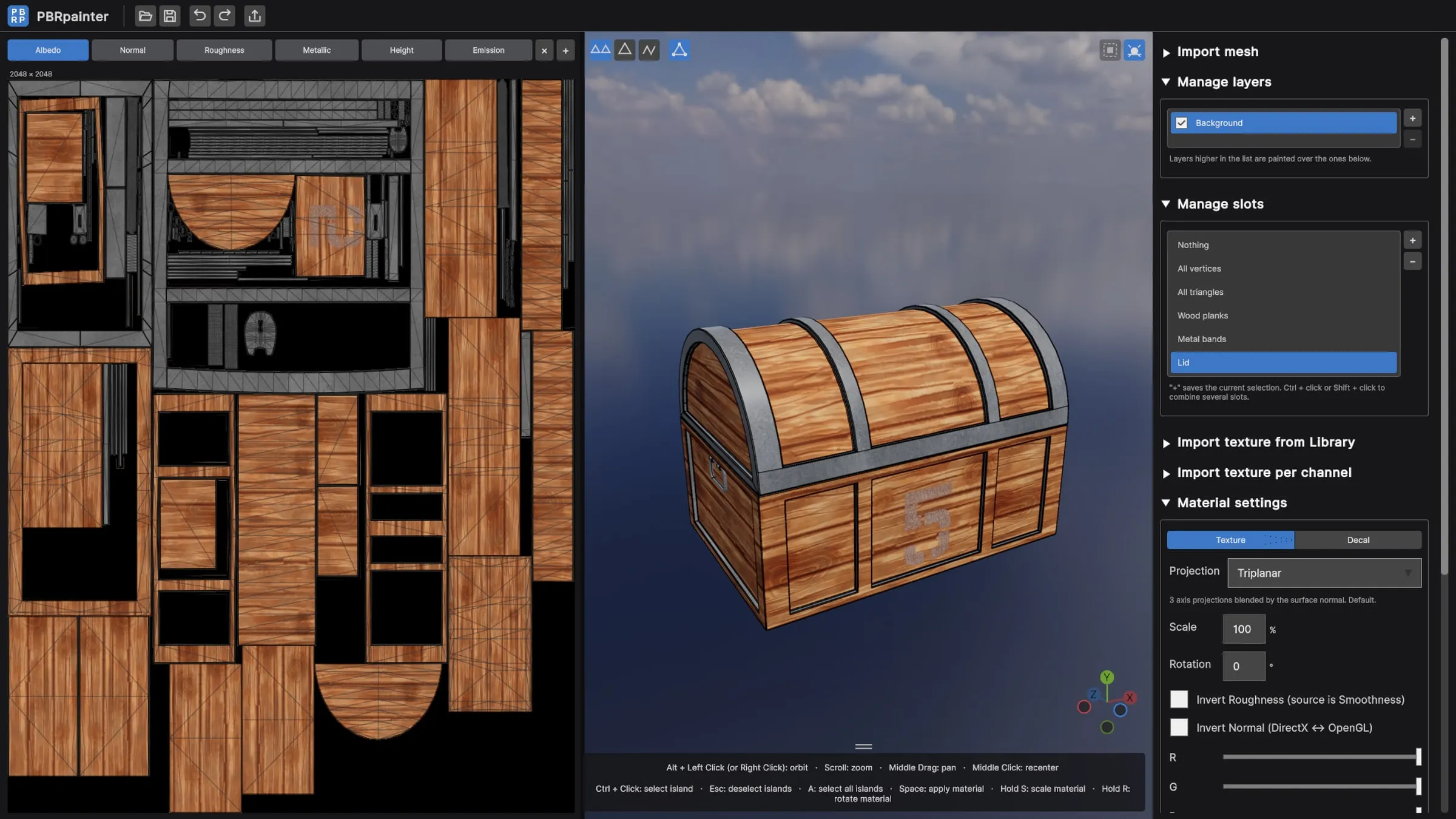
Every PBR channel, one stroke
Your brush carries a full material, not just a color. Albedo, normal, roughness, metallic, height and emission are painted together, so the surface stays consistent from every angle.
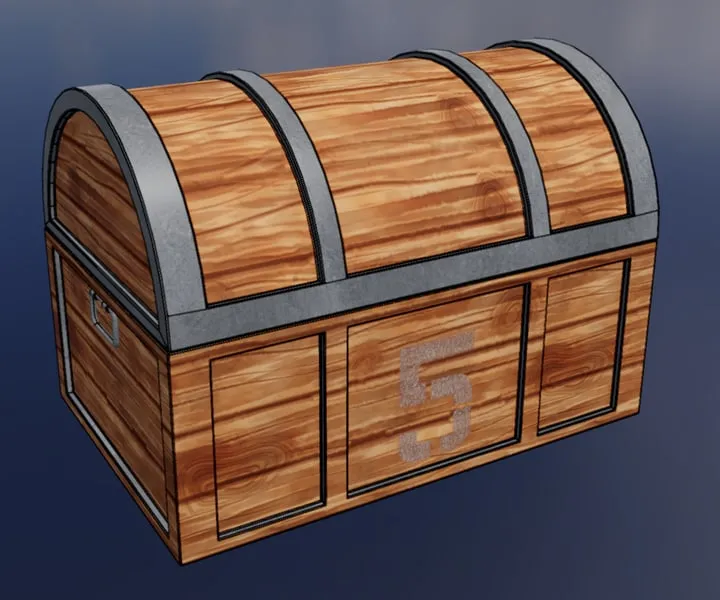
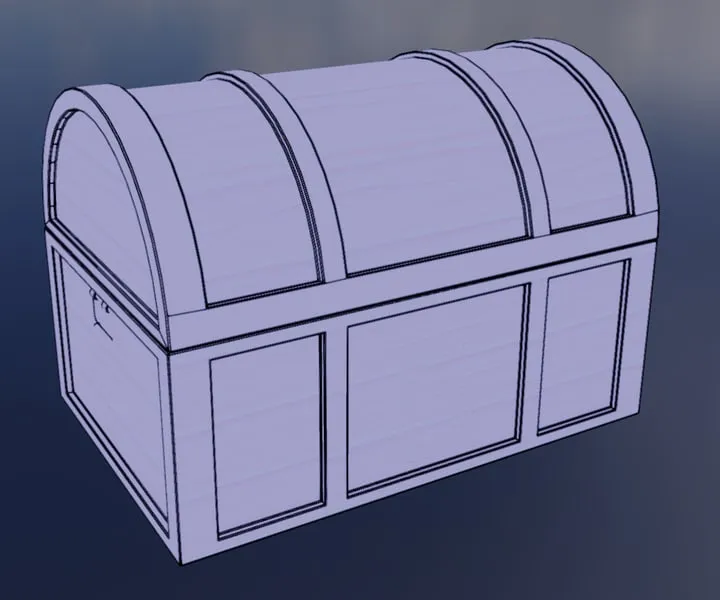
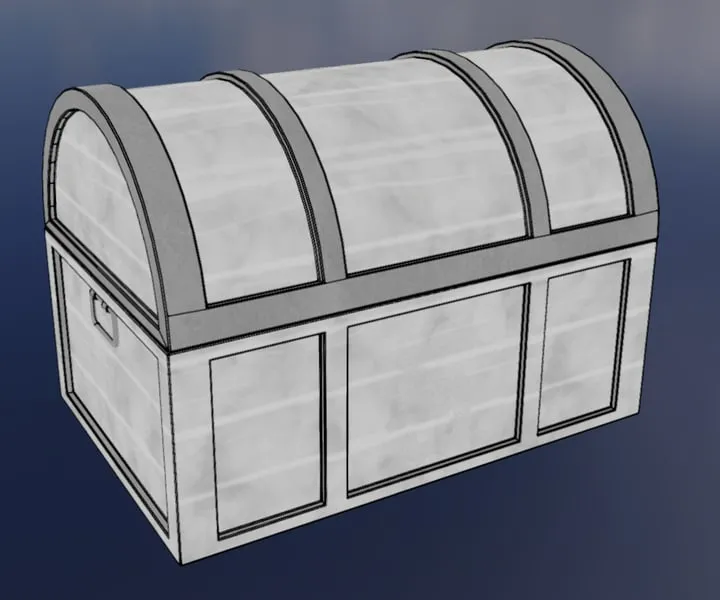
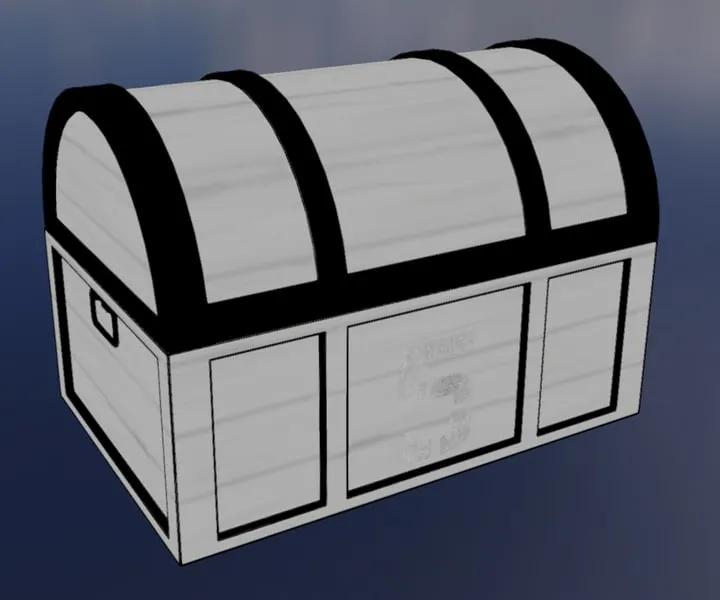
Fill UV islands in one keystroke
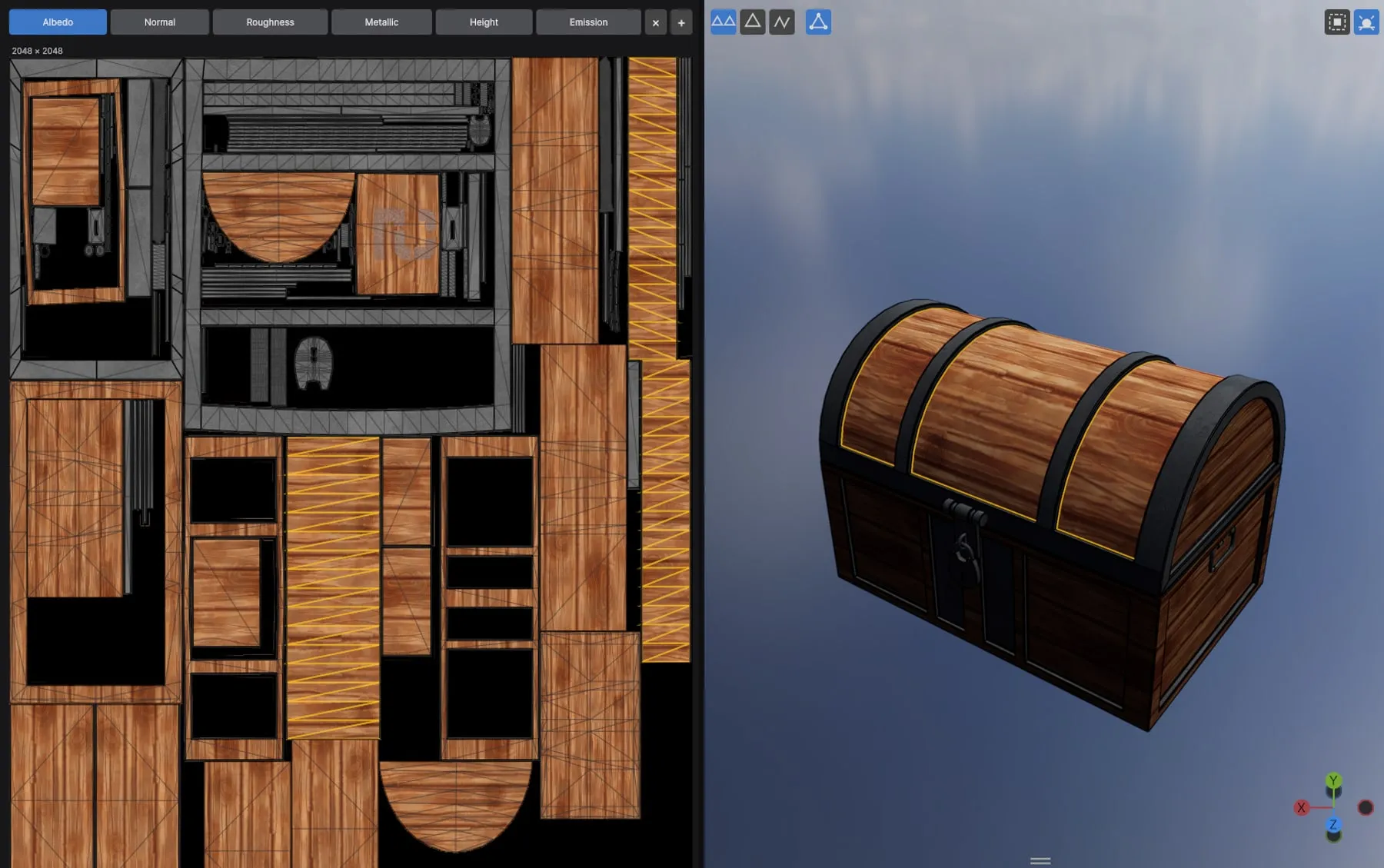
Ctrl + click the parts you want, in the 3D view or on the UV layout, then press Space: the material lands exactly inside, with no brush strokes and no bleeding onto the neighbours. Save a selection as a slot (“Wood planks”, “Metal bands”) and reuse it any time.
Decals with real depth
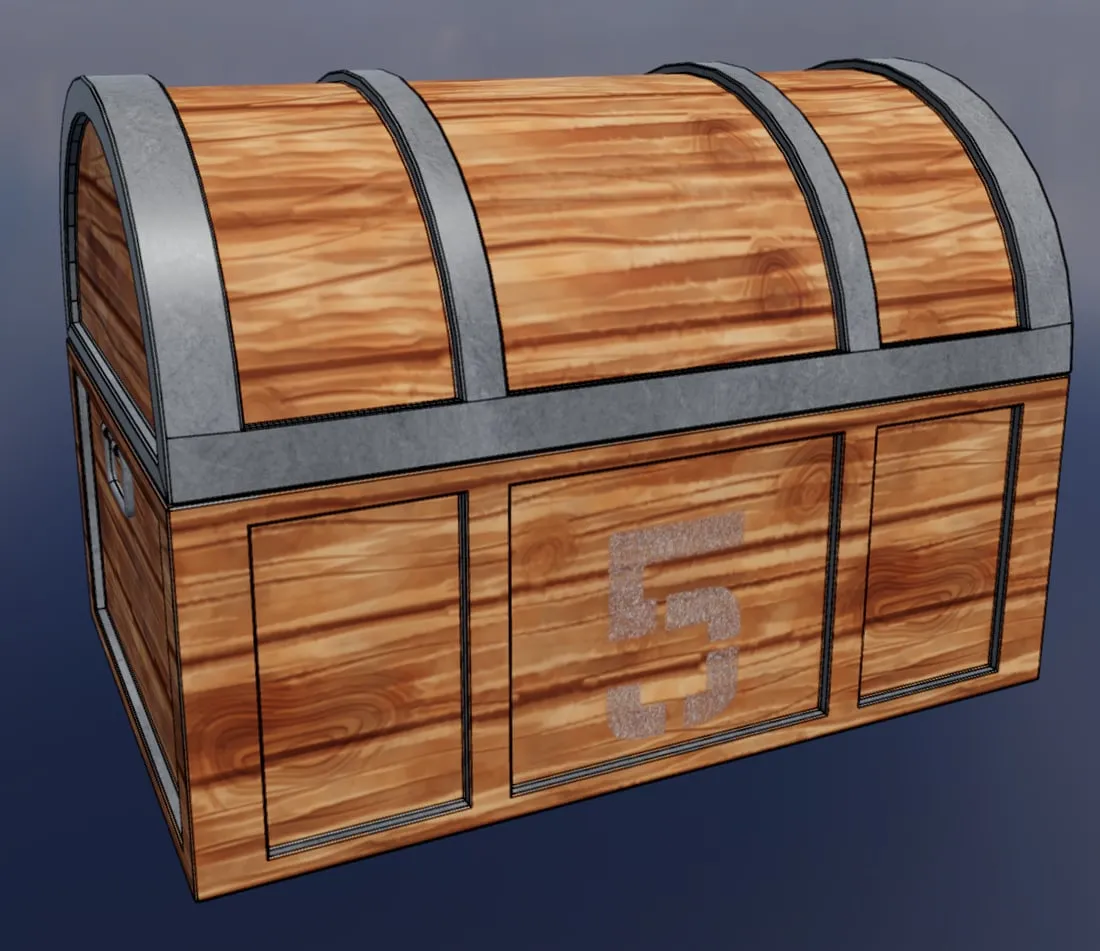
Switch to Decal mode to stamp numbers, logos, stencils or grime. Color, relief and roughness go on in a single click, and a live preview lets you scale (S) and rotate (R) before you commit.
Layers and slots, no clutter
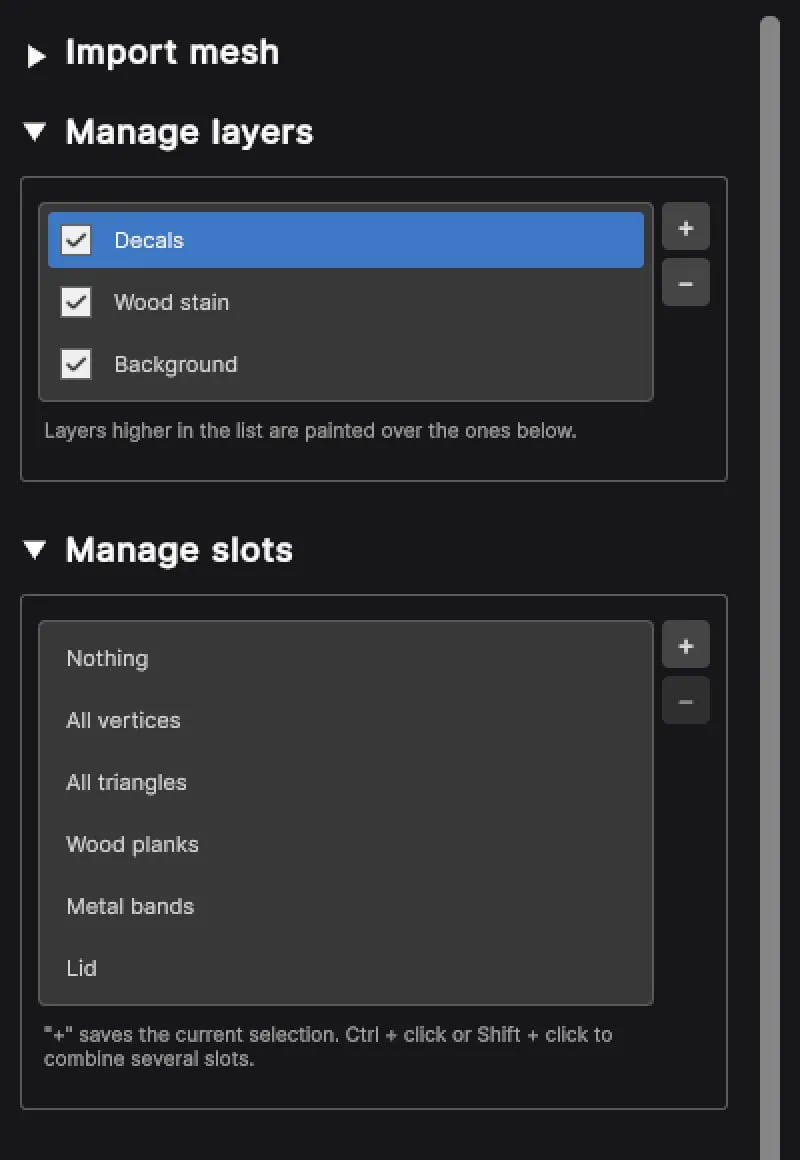
Paint on separate layers and toggle them at will. Every setting lives in one panel of short, collapsible sections: no node graph, no hidden menus, nothing to learn before your first stroke.
And the essentials
FBX, OBJ and glTF import
Drop in your model; the textures of its own material become the starting canvas.
Game-ready export
One PNG per channel — albedo, normal, roughness, metallic, height, emission — ready for any engine.
Projects you can reopen
Save everything in a single .pbrp file and pick up exactly where you left off.
Four projection modes
Triplanar, cylindrical, mesh UV or from camera: pick the one that hides seams on each surface.
Realistic preview
Switch on an outdoor environment and shadows to judge your materials in real lighting.
Any texture source
Smoothness maps are converted to roughness, and DirectX or OpenGL normal maps are flipped in one click.
See it on your own models.
Every feature unlocked for 14 days. Windows 10/11, no credit card.